
Mac & MacBook Recovery
Read about recovering files from Macs that will not start or cannot read a drive.
-
exFAT vs NTFS vs APFS: Which Format Fits Your Drive?
exFAT vs NTFS vs APFS compared for compatibility, reliability, and recovery. See which format fits your drive before data is at risk.
Updated
-
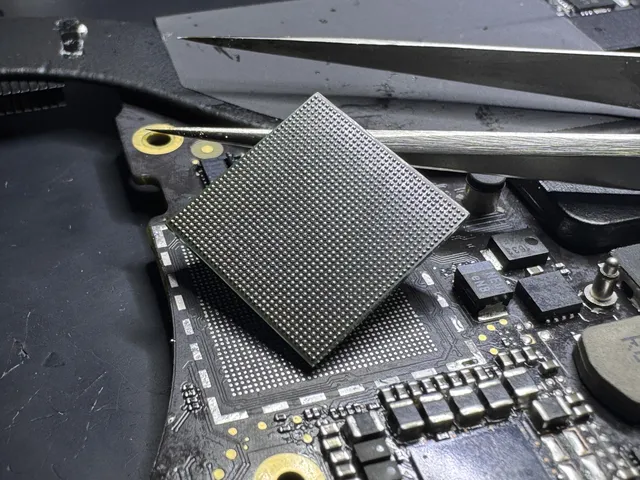
iMac Data Recovery: Getting Files Off a Dead All-in-One Mac
Recovering files from a dead iMac depends on its storage and model. Compare Intel, Fusion Drive and M-series options before repair or replacement.
Updated
-
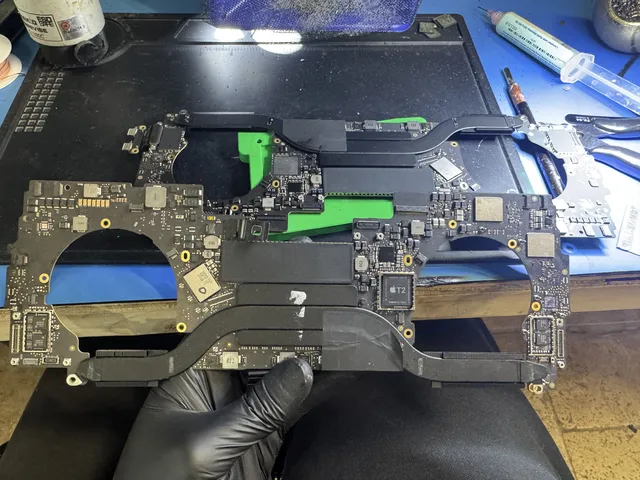
iMac Fusion Drive Failing? Recovery Is Trickier
An iMac Fusion Drive uses an SSD and hard drive together. Learn what failure looks like, why both matter, and when a reset erases needed files.
Updated

-
Mac Stuck on Gray Screen After macOS Sequoia Update? Recovery Steps
Mac stuck on a gray screen after a Sequoia update? Check startup, use Safe Mode or Recovery, and copy your files before disk repair or reinstallation.
Updated
-
MacBook Pro Screen Black? Run These Checks in Order
MacBook Pro screen stays black? Prove the Mac is on, try the right resets, use the external display test, and keep your files safe. Free phone consult.
Updated
-
External Drive Keeps Ejecting on Mac? Sonoma/Sequoia Fix
macOS power settings, USB timing or a dying drive? How to tell them apart before the disconnects corrupt your volume. Free phone consult.
Updated
-
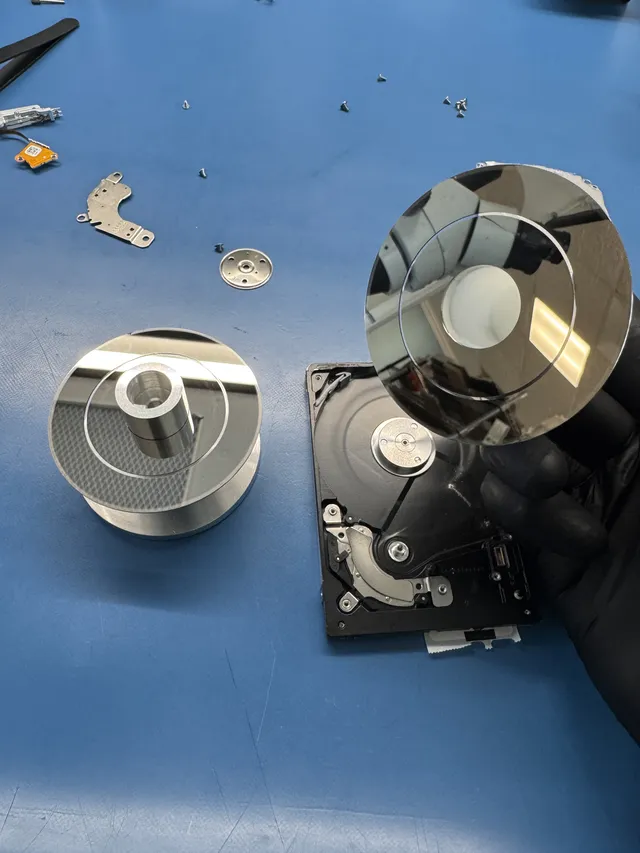
Mac Folder with Question Mark on Boot: What It Means
Mac showing a folder with a question mark on startup? Your startup disk can't be found. Learn what causes it and how to recover your data safely.
Updated
-
Time Machine Backup Failed or Corrupted: How to Get Files Back
Time Machine backup keeps failing? The fixes in safe order, what the errors mean, and what to do when the backup drive itself is the problem.
Updated
-
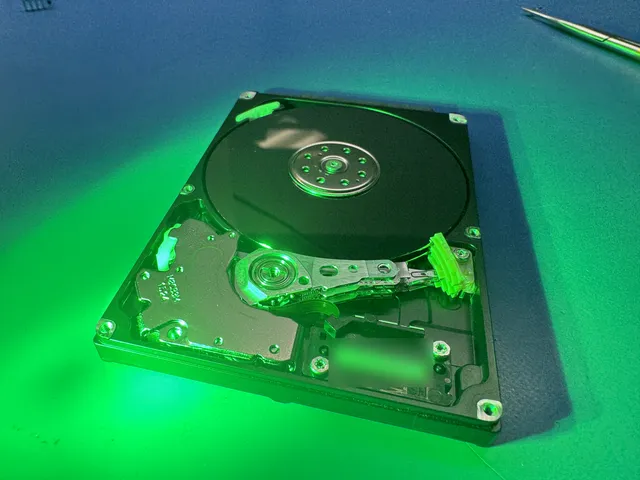
How to Recover Data from a Broken MacBook Pro
Recover data from a broken MacBook Pro: compare removable SSDs, Target Disk Mode, Share Disk, and board repair for T2 and Apple silicon models.
Updated

-
How to Recover Data from a Mac That Won't Turn On
Recover files from a Mac that won't turn on using backups, Target Disk Mode or Share Disk, and see when the original logic board needs repair.
Updated
-
Coffee Spilled on MacBook Keyboard? Save Your Data Before the Repair Shop
Spilled coffee on your MacBook? Shut it down, check backups from another device, and understand board repair, encryption and data recovery costs.
Updated
-
APFS File System Corruption: Can Your Data Be Recovered?
APFS volume corrupted on your Mac? Recovery is possible but complicated. Learn what causes APFS corruption and how a data recovery lab handles it.
Updated
-
Dropped MacBook on Hard Floor: Get Your Data Before the Repair Shop
Dropped MacBook? Power it off and recover your data BEFORE Apple swaps the logic board. Cracked screens, dead boards, won't power on. No data, no charge.
Updated
-
Apple Silicon Data Recovery: What M-Series Changed
Encrypted-by-default storage soldered to the board changed Mac recovery forever. What's still possible, what died with Intel, honest answers.
Updated
-
A Complete Guide to Apple Computer Data Recovery
Need data recovered from a Mac, MacBook, or iMac? Learn how professional lab recovery works for Apple computers. Diagnosis.
Updated
-
G-Drive Mobile USB-C Won't Mount on Mac: Video Pro Recovery
G-Drive Mobile won't mount on Mac? Most cases are filesystem corruption, not dead drives. Diagnosis from a real recovery lab.
Updated
-
M1, M2, M3 Mac Data Recovery: The Soldered SSD Challenge
M1, M2, M3 Mac data recovery depends on original security hardware. Learn about board repair, FileVault limits and data-preserving diagnosis.
Updated
-
M4 Mac Data Recovery: What's Different About Apple's Newest Silicon
M4 Mac data recovery requires board-level repair because the SSD is soldered and tied to the Secure Enclave. Here's what's recoverable and how to do it.
Updated
-
Mac Mini Logic Board Failed: Soldered Storage Recovery Reality
Mac mini logic board failed? Apple Silicon storage is soldered, but most failures are recoverable. PMIC, USB-C, HDMI, PSU repairs explained.
Updated
-
Mac Studio Won't Power On: Apple Silicon Data Recovery
Mac Studio won't power on? Apple Silicon storage is locked to the Secure Enclave but most failures are recoverable. PSU, PMIC, USB-C repair explained.
Updated
-
MacBook Dead? How to Recover Your Files
Liquid, board failure or just won't power: how file recovery works on Apple Silicon and T2 Macs, and why DIY windows are narrow. Free phone consult.
Updated
Get help with data recovery
Bring your device to our Lincroft lab during opening hours, or mail it in.
How to mail your deviceThe $100 diagnostic is non-refundable once diagnostics start, and donor drives or replacement parts you approve are non-refundable once ordered, even if recovery fails.