RAID Data Recovery Cost: Arrays, NAS and Servers
Our founder and lead technician, Joseph Montanti, handles cases personally.
If you're pricing RAID recovery, something already went wrong: a NAS that won't boot, a degraded array that dropped a second disk, a server volume that vanished. This guide breaks down what multi-drive recovery actually costs, why it's priced the way it is, and which decisions on your end move the bill up or down. We'll use real ranges, not "call for pricing" evasion.
On this page
Why RAID is priced per array, not per disk
People multiply. They see a four-bay NAS and assume four times the single-drive price. That's not how the work scales. A RAID recovery has two distinct phases, and the second one doesn't care how the first was priced.
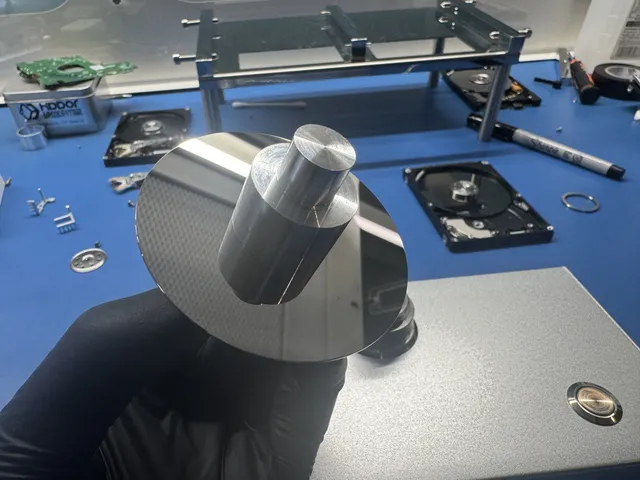
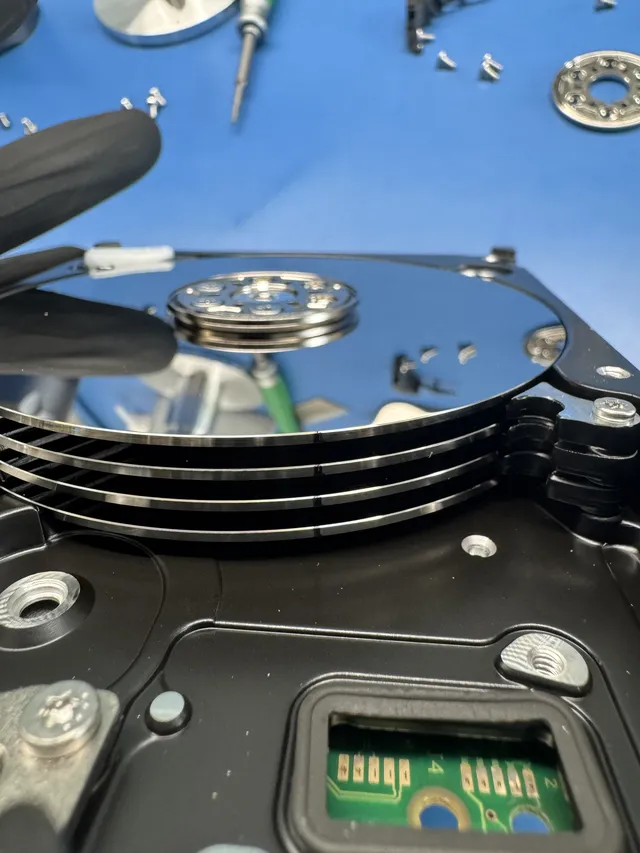
Phase one: stabilize every member disk. Each drive gets imaged sector by sector onto healthy media. If all the disks are electrically fine, this is routine. If one clicks or won't spin, that disk needs its own cleanroom-level rescue before the array can even be considered, which is the same work as any hard drive data recovery job.
Phase two: rebuild the array virtually. The engineer has to reconstruct how the controller laid data across the disks: RAID level, drive order, stripe size, parity rotation, and offset. Get any of those wrong and the output is garbage. This puzzle is the RAID premium. It exists whether the box held two drives or twelve.
Cost by RAID level
| Configuration | Typical range | What drives the price |
|---|---|---|
| RAID 0 (striped, no redundancy) | Quoted per case | Every disk is required; one physically failed member means cleanroom work is mandatory |
| RAID 1 / mirrored NAS | Quoted per case | One healthy mirror keeps costs down; both sides failed pushes it up |
| RAID 5 | Quoted per case | Number of failed members, parity reconstruction, and whether a rebuild was attempted |
| RAID 6 / RAID 10 | Quoted per case | More members, more complex parity, larger capacities |
| Server / virtualized volumes | Quoted per case | File systems layered on top (VMFS, virtual disks, databases) add reconstruction work |
These brackets line up with the array line in our general guide to data recovery pricing, which covers single drives, SSDs, and phones if you're comparing across device types.
The five things that move your quote
- How many members failed. A degraded RAID 5 with one dead disk is a normal case. Two dead disks in the same array means at least one needs a full physical recovery for the math to work at all.
- Physical vs logical failure. Deleted volumes, corrupted configs, and failed controller boards are logical work. Clicking or non-spinning members add cleanroom time per disk.
- Post-failure damage. Forced rebuilds, re-initialized arrays, and "let me just try swapping drives around" sessions overwrite the very structures the engineer needs.
- Capacity. Imaging eight 12 TB disks simply takes longer than four 2 TB disks, and time is part of cost.
- Urgency. Rush options move the diagnostic start ahead in the queue; they do not set a recovery completion date.
NAS boxes: the small-business reality
NAS failures can involve both sides of a mirror or a failed rebuild:
First, the mirror that wasn't. RAID 1 tolerates one dead drive, so when the first disk failed months ago, the box kept working and nobody noticed the warning light. Then the second disk failed, and now both sides of the "redundant" mirror need physical recovery. Second, the RAID 5 rebuild that killed the array: a failed disk gets replaced, the rebuild stresses the remaining aging members, and one of them drops mid-rebuild.
Both cases are usually recoverable, and both cost more than they would have the day the first drive died. If your unit is beeping or degraded right now, that's the cheap moment to act. Our RAID data recovery service handles Synology, QNAP, Buffalo, Drobo, and plain Windows/Linux arrays, with free inbound shipping (contiguous US) if you're not local.
What to tell the lab (it lowers your quote)
The more accurately you can describe the array, the less reconstruction guesswork the engineer does, and guesswork is billable time. Before you call, gather what you know:
- The RAID level and drive count, even approximately ("four-bay Synology, probably RAID 5").
- The order the drives came out of the bays. Label them 1 through N with tape as you pull them. This one habit saves real money.
- What happened, in sequence. "Bay 2 light went red last month, then it beeped yesterday and the share disappeared" is genuinely useful engineering data. So is "I replaced a drive and it was rebuilding when it died."
- What's been tried since. Rebuilds, initializations, drives moved between bays, recovery software runs. Nobody's judging; hiding it just slows down the person trying to save your files.
- What data matters most. If the QuickBooks file and one folder of contracts are the business-critical items, the engineer can prioritize verifying those first.
Turnaround, while we're setting expectations: arrays needing per-drive cleanroom work take longer than straightforward arrays with healthy members, since the physical recoveries happen before reconstruction can start. Our standard recovery estimate is 4–6 weeks and may vary by case. Rush moves the diagnostic start ahead in the queue without setting a recovery completion date. Confirm availability with the lab.
Why the $300 RAID quote is a trap
You'll find shops advertising RAID recovery for a few hundred dollars. Read the fine print: that's the price for running recovery software against a healthy array with a deleted volume, the easiest possible case. The moment a disk needs physical work or the array needs real reconstruction, the price "updates," and by then your drives are already in their possession. The $100 diagnostic is credited toward a successful recovery and is non-refundable once diagnostics start. Donor drives or replacement parts you approve are non-refundable once ordered, even if recovery fails. You approve the estimate before recovery work starts. Our guide on choosing a data recovery service lists questions to ask.
Frequently Asked Questions
How much does it cost to recover a RAID 5 array?
Quoted per case, depending on how many member disks failed, whether any need cleanroom work, and whether a rebuild was attempted after the failure. A single failed member with the rest healthy lands near the low end.
Why is RAID recovery so much more expensive than a single drive?
Because it's two jobs: every member disk gets stabilized and imaged like its own recovery, then the array itself is reverse-engineered and rebuilt virtually. The reconstruction work (level, drive order, stripe size, parity rotation) exists on top of any physical repairs.
Is data recoverable after a failed RAID rebuild?
Often yes, but the odds and the price both got worse the moment the rebuild ran. A rebuild writes across the array, and anything it overwrote is gone for good. Power down and stop; what's still recoverable depends on how far the rebuild got.
Does recovery cost depend on how many drives are in the NAS?
Partly. More members mean more imaging time and a harder reconstruction puzzle, so an eight-bay costs more than a two-bay. But the count matters less than the condition: one clicking drive adds more cost than two extra healthy bays.
Can I just pull the drives and read them in a computer?
With RAID 1 mirrors, sometimes: each disk holds a full copy. With RAID 0, 5, 6, or 10, no. Data is striped in fragments across all members, so a single disk shows an unreadable partial file system. Connecting members individually and letting Windows "fix" them is a classic way arrays get damaged, so if you try it, use read-only methods.
Get help with data recovery
Bring your device to our Lincroft lab during opening hours, or mail it in.
How to mail your deviceThe $100 diagnostic is non-refundable once diagnostics start, and donor drives or replacement parts you approve are non-refundable once ordered, even if recovery fails.
Published by MDrepairs
MDrepairs is a data recovery and electronics repair lab in Lincroft, New Jersey. Our founder and lead technician Joseph Montanti films real cases for our YouTube channel, showing tools, repair steps and recovery outcomes.
Keep reading
- Windows Storage Spaces Failure: Preserve the Pool Before Resetting Disks
- Synology Volume Crashed: What to Do While Files Are Still Readable
- RAID 1 Recovery: Why a Mirror Does Not Save Every Deleted File